Custom Streetwear, Casualwear & Denim Manufacturer•MOQ 50 pcs•Denim MOQ 100 pcs•7-Day Sample Available
How to Check Print Artwork File Readiness Before Low MOQ Streetwear Production
Check print artwork file readiness before low MOQ streetwear production so sizing, color, placement, technique, and approval files do not delay bulk.

Print artwork file readiness should be checked before low MOQ streetwear production because the factory cannot turn a rough mockup into a stable production result without clear files, scale, placement, color expectations, and technique notes. A strong design can still produce a weak sample if the print handoff is incomplete.
The custom streetwear manufacturer page explains how graphics, fabric, fit, samples, and production planning need to connect. Print artwork readiness is one of the earliest places where a streetwear buyer can reduce sampling friction.
Why File Readiness Should Be Checked Before Print Sampling
Print problems often appear during sampling, but many of them start earlier in the file package. Low-resolution artwork, missing editable layers, unclear print size, no placement reference, and vague color targets can force the factory to guess. Those guesses can delay the sample or create a result the buyer never intended.
For low MOQ streetwear, time spent cleaning up files can matter because sampling, fabric purchasing, decoration testing, and production scheduling are usually connected. The file package should help the print team make decisions, not send them back through a long design clarification loop.
Confirm File Type, Resolution, and Editable Artwork
Start by checking whether the artwork is vector, high-resolution raster, or a mixed file. Logos, type, solid shapes, and sharp graphics often need editable vector artwork. Photographic or textured artwork may need a high-resolution raster file at the intended print size. A screenshot or small web image is rarely enough for a clean production handoff.
The buyer should also clarify whether fonts are outlined, linked images are embedded, transparent backgrounds are correct, and each color or layer is separated if the print method needs it. The factory may still adjust files for production, but the buyer should provide the cleanest source file available.
Lock Size, Placement, and Garment Reference
Artwork size should be given as a real measurement, not only as a mockup. Placement should refer to a garment point that production can repeat, such as center front, high point shoulder, neckline, pocket edge, side seam, hem, or another approved point of measure. This is especially important when the same graphic appears across multiple sizes.
The screen print placement tolerance guide explains why buyers should define acceptable placement movement before bulk production. File readiness comes before that tolerance check because the print team first needs the correct artwork scale and placement reference.
When the artwork needs a raised surface instead of a flat print, pair file readiness with raised streetwear graphic sample checks before approving the decoration sample.
Match Color Expectations to the Print Method
Color should be discussed with the print method in mind. Screen print, puff print, discharge, DTG, heat transfer, and specialty effects do not behave the same way on different fabrics. Dark garments, brushed fleece, rib texture, garment dye, and fabric stretch can all change the final look.
A buyer can provide color references, but the production approval should still account for fabric, ink, curing, print thickness, and handfeel. The puff print cracking sample guide shows how technique-specific behavior needs to be tested instead of assumed from a digital mockup.
Connect Artwork Readiness to Streetwear Tech Packs
The print file should not sit outside the tech pack. It should connect to the style name, garment color, fabric, size range, print position, print method, approved sample photos, tolerance, label or packaging notes, and any special construction that affects placement. This gives the factory one production record instead of separate messages.
The cut and sew tech pack guide for low MOQ streetwear explains how style information, measurements, materials, construction, artwork, and approval notes should work together. For T-shirt-specific projects, the custom T-shirt manufacturer page gives broader production context.
Approve the Final Print Handoff
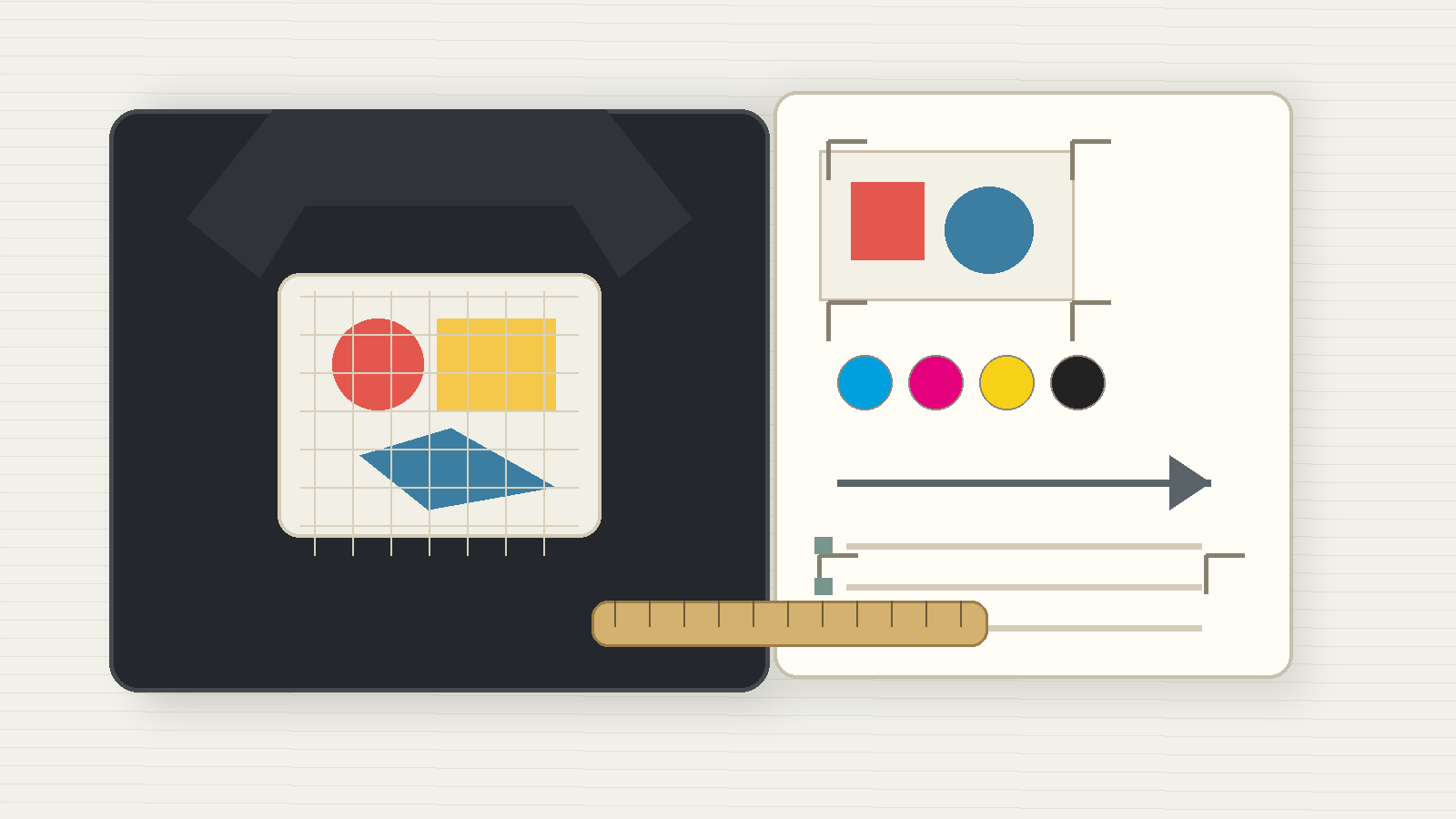
Before the factory proceeds, the buyer should send one final print handoff: source artwork, exported proof, real print size, garment color, placement reference, print method, color references, tolerance notes, sample approval requirement, and any open risks. If a detail is not final, mark it as pending instead of letting the factory assume it is approved.
For a low MOQ streetwear project with prints, send your artwork package, garment mockups, placement notes, fabric details, and target quantity through the StitchQuote inquiry page. Clear artwork readiness helps the sampling and production team check technique, placement, and approval requirements before bulk starts.
Questions Buyers Ask About Print Artwork File Readiness
Can a factory use a mockup image as the print file?
A mockup is useful for placement intent, but it usually should not be the only production file. The factory also needs editable or high-resolution artwork at the intended print size.
Should print size be given in pixels or real measurements?
Real measurements are usually needed for production. Pixel dimensions can help with raster quality, but the factory still needs the intended width, height, and placement on the garment.
Do colors on screen match printed colors?
Not always. Screen color depends on devices, while printed color depends on fabric, ink, print method, curing, and garment base color. Use references and approve a physical sample when color is critical.
What should be included in a final print handoff?
Include source artwork, proof export, print size, garment color, placement reference, print method, color targets, tolerance notes, sample approval requirement, and any open risks that need buyer confirmation.
Request a manufacturing quote
Share your product type, quantity range, and destination. We usually reply within one business day.
One comment
Comments are closed.
[…] or textured effects. Whatever the method, the artwork file itself decides half the result; see the print artwork file readiness checklist before you send […]